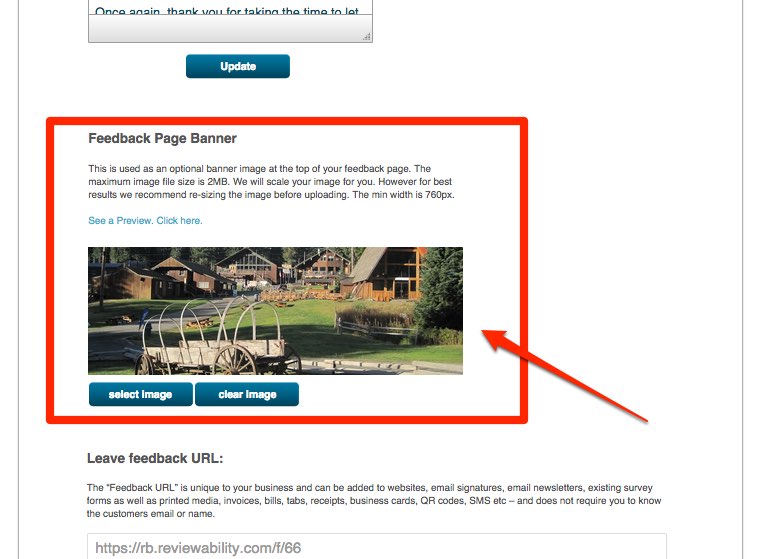
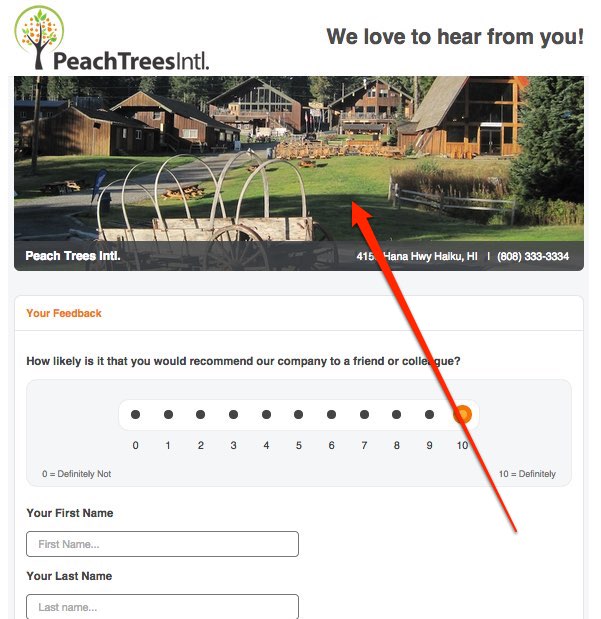
The following post describes how to add a banner to the Feedback Page.
_ _ _ _ _ _ _ _ _ _ _ _ _ _ _ _ _ _ _ _ _ _ _ _ _ _ _ _ _ _ _ _ _ _ _ _ _ _ _ _
1) Log into your account
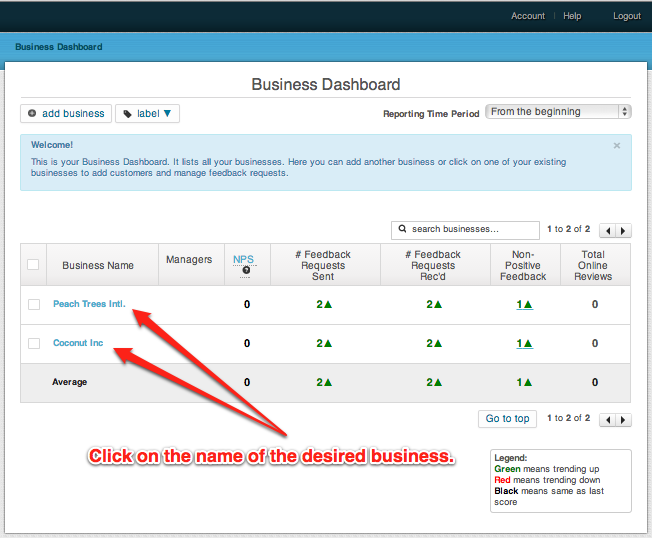
2) Click on the Business you would like to edit.
3) In the main menu (upper left) click on “Settings -> Feedback Settings”

4) Upload a PNG or JPEG banner with a minimum width of 760px. The banner can be as tall or as narrow as you want. A good size is 250px in height.